As a lifetime user, how do I use the Inbox feature? The instructions in the user guide are very superficial. It only talks about API, where to find it, but it doesn't show how to use it. Thank you.
This post was last updated for 1099 days ago, and the information may already be changed
1 Reference
Related articles
-
WanChen • • 1 Up
@participants
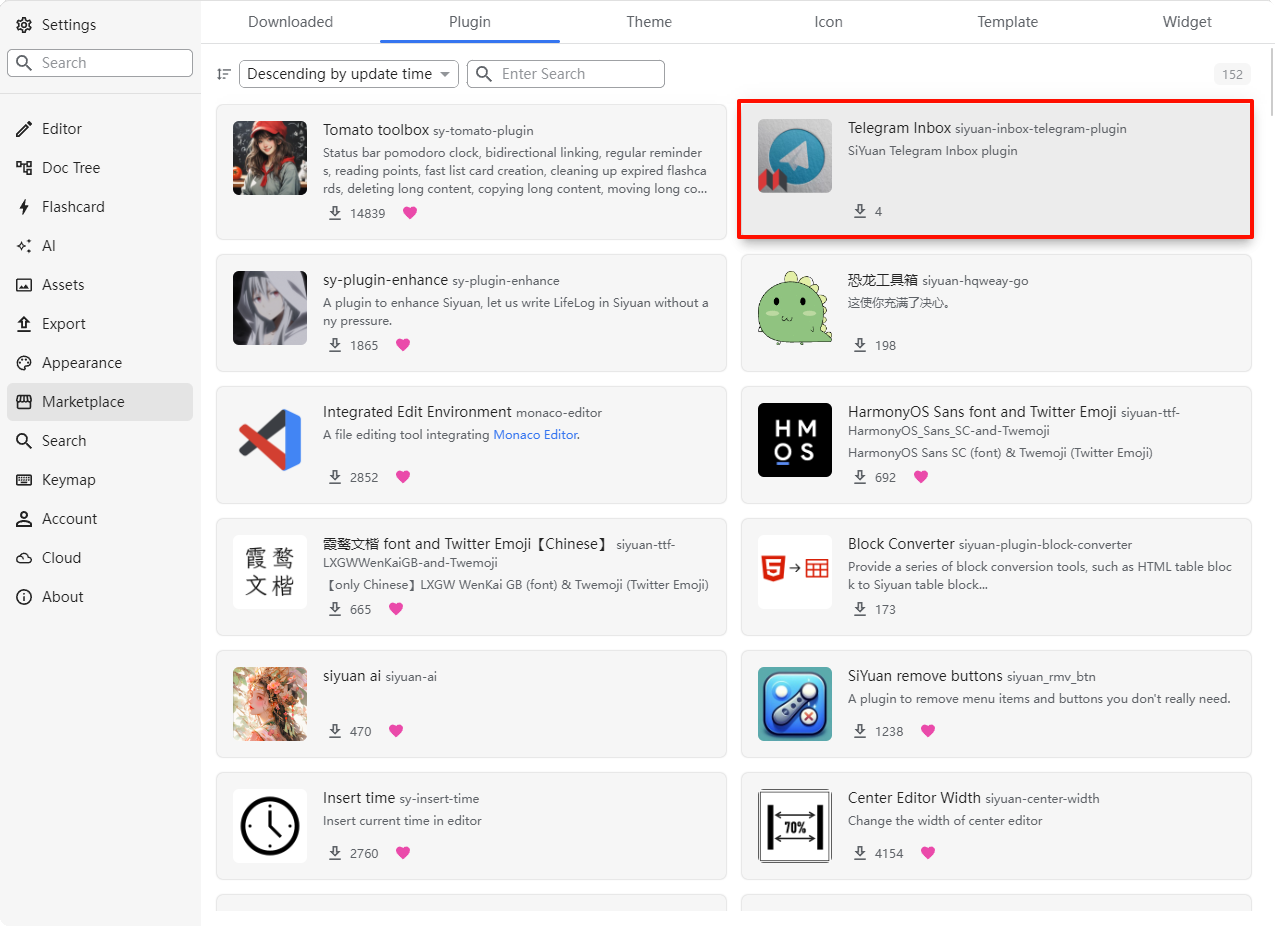
I noticed that a new “Telegram Inbox” plugin has been added to the marketplace, anyone interested can give it a try.

- MiscReply
-
sdnnvs •VIP Warrior Author
Okay, thanks for the feedback. But, would there be an application as an example, so that I can find a use for Cloud Inbox? For example, the Capacities app has connectivity with Telegram and WhatsApp. Would it be possible to use the SiYuan API to do the same?
Personally, I would really like it if it were possible to copy text excerpts and send them directly to Inbox, more or less like the Citanotes app does.1 Reply -
Basti • • 3VIP Warrior
Sending to the SiYuan-Inbox is quiet easy from a small script. I have an example for ruby here...
You need to change "token xxx"
require 'net/http' require 'json' uri = URI('https://liuyun.io/apis/siyuan/inbox/addCloudShorthand') req = Net::HTTP::Post.new(uri) req.body = JSON.dump({ title: Time.now.strftime('%Y-%m-%d'), content: 'Hello from Ruby' }) req['Content-Type'] = 'application/json' req['Authorization'] = 'token xxx' res = Net::HTTP.start(uri.hostname, uri.port, :use_ssl => true) do |http| http.request(req) end case res when Net::HTTPSuccess, Net::HTTPRedirection puts 'DONE' else puts 'FAILED' puts res.value end -
DoctorJames •VIP Warrior
I am just begining in Siyuan, by far fullfill my need but the inbox is really an obscur item also the use of the API key, is it possible to have a step by step use of it?
Kindly and thanks
- Visit all replies
Welcome to here!
Here we can learn from each other how to use SiYuan, give feedback and suggestions, and build SiYuan together.
Signup About