Hi. First of all, Thanks for the amazing app.
But when I input Korean text, the letters are separated into consonants and vowels, such as
"ㅇㅏㄴㄴㅕㅇㅎㅏㅅㅔㅇㅛ."
The expected result is
"안녕하세요."
Hi. First of all, Thanks for the amazing app.
But when I input Korean text, the letters are separated into consonants and vowels, such as
"ㅇㅏㄴㄴㅕㅇㅎㅏㅅㅔㅇㅛ."
The expected result is
"안녕하세요."
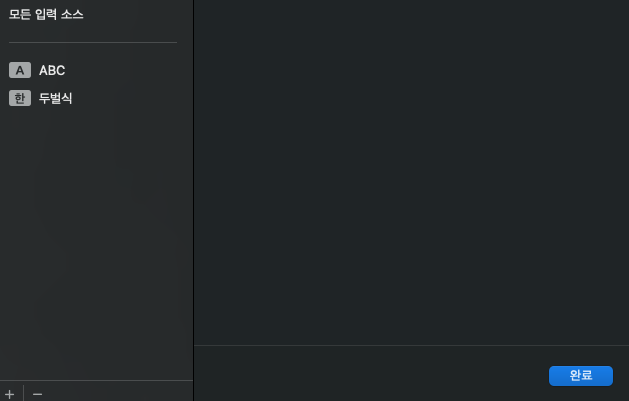
I'm running macOS Ventura 13.6.1, and the image I provided shows the default Korean language input method that comes with Apple's
That actually worked. I followed your instructions and it's back to normal.
Welcome to here!
Here we can learn from each other how to use SiYuan, give feedback and suggestions, and build SiYuan together.
Signup About