Dear all,
In my siyuan android v3.5.1,
-> Go "settings" -> "About"
-> enable "Network Serving"
I have not set the "Access Auth Code"
and successfully access Siyuan in the browser of my Win11 notebook computer by
http://127.0.0.1:6806
-> without any password or "Access Auth Code"
but then later, I updated my siyuan android v3.5.1 to version 3.5.2,
the other day when my android phone bootup again, and run Siyuan Android, it asked for "Access Auth Code" which I have not set, and don't know what shoud I enter?
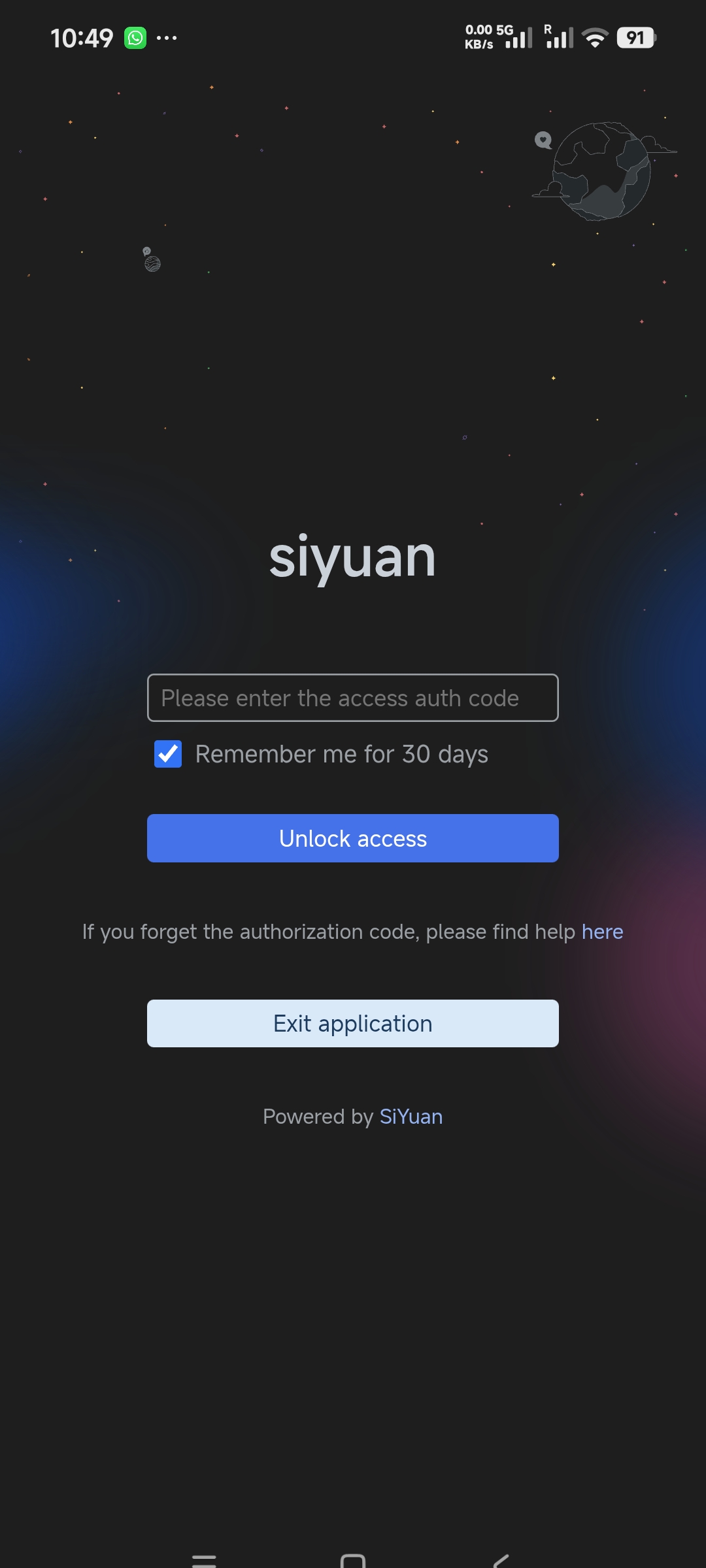
I click the "Unlock Access" button, it displayed "The access authorization code is incorrect"!
I entered some trial text and click "Unlock Access" button, it displayed "The access authorization code is incorrect" again!
so, now I have no way to go into my siyuan android anymore, can you help?
Your Prompt Response Would be much appreciated!
Timy
Welcome to here!
Here we can learn from each other how to use SiYuan, give feedback and suggestions, and build SiYuan together.
Signup About