Feature description
Users have frequently used options, e.g. Code Block Wraps (which lacks keymapping). If these frequent options can be pinned, this can speed workflow by personal preference. The amount of possible pins can also be limited (e.g. to max 3 pins) to avoid clutter. It requires smart consideration how to implement pin/unpin.
In example of Code block wraps, these pins should work uniform for all code blocks app-wide. Basically system-wide Block-type specific, makes most sense, instead of seperate pins for each block seperately.
Any option from block menu should be possible target for pins. So to pin, either click or alt-click icon from menu (image below) with highligted icon when pinned. Pinning menu item Code Block > should reveal the suboptions quicker, but if user pins specifically Code block wraps subitem that should be pinned instead.
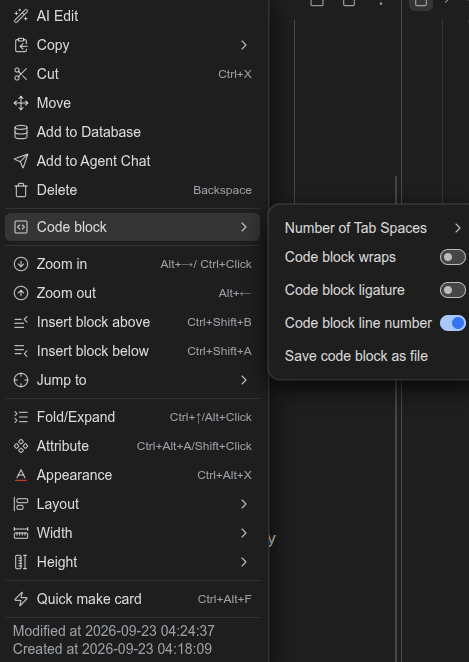
I have given it some thought using images below
Example right-side code block alignment

Example (left-side app-wide uniform)
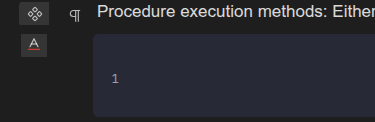
But for more uniform presence of pinned options, another icon left-side aligned for each block. As you can see regular paragraph block has pinned attribute and the latter code block has pinned Appearance icons respectively
Welcome to here!
Here we can learn from each other how to use SiYuan, give feedback and suggestions, and build SiYuan together.
Signup About